Appearance profiles
One viewer. Every kind of read.
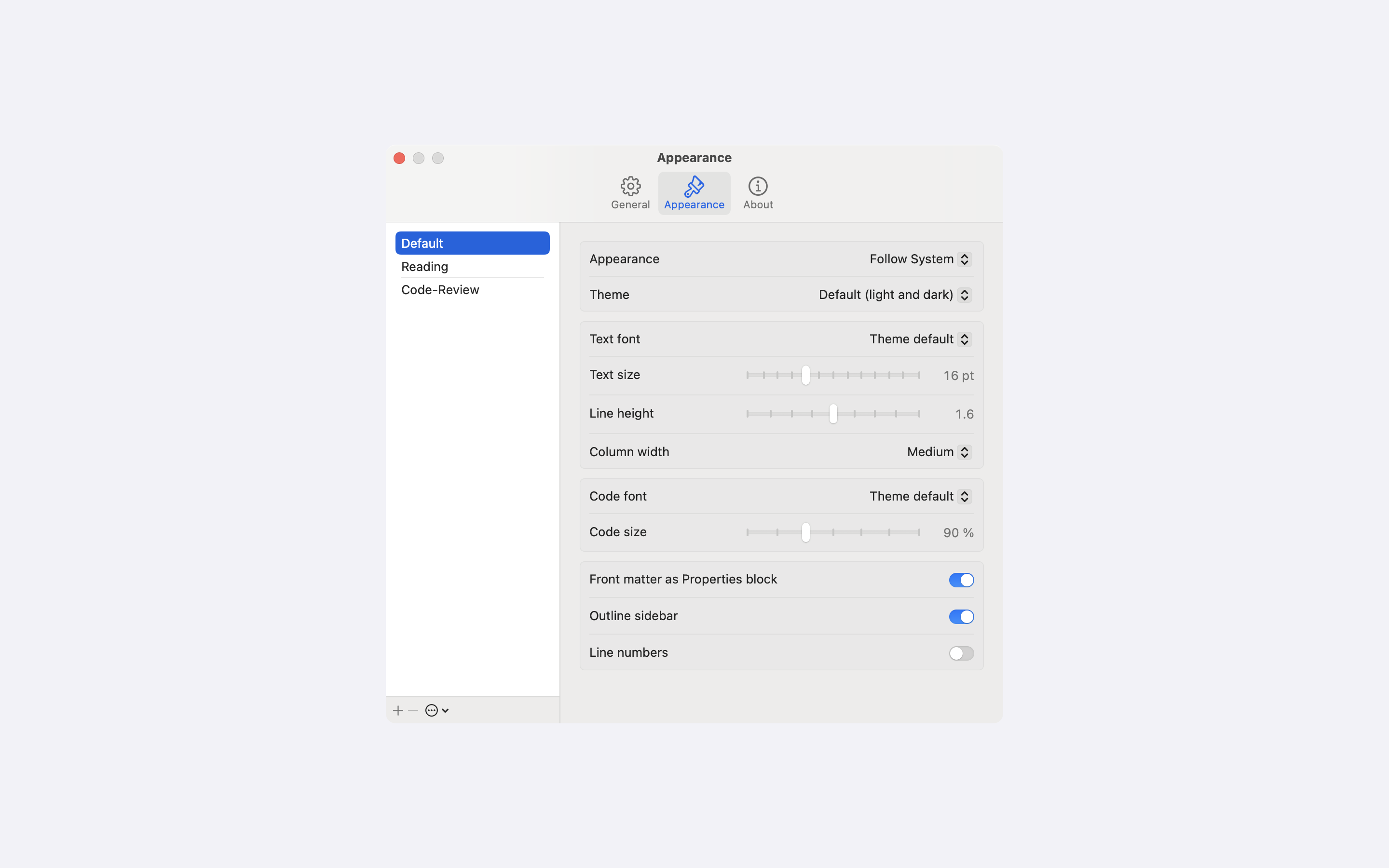
A profile stores how a document looks: theme, fonts, text size, line height and column width. Switch between profiles with ⌃1 to ⌃4.
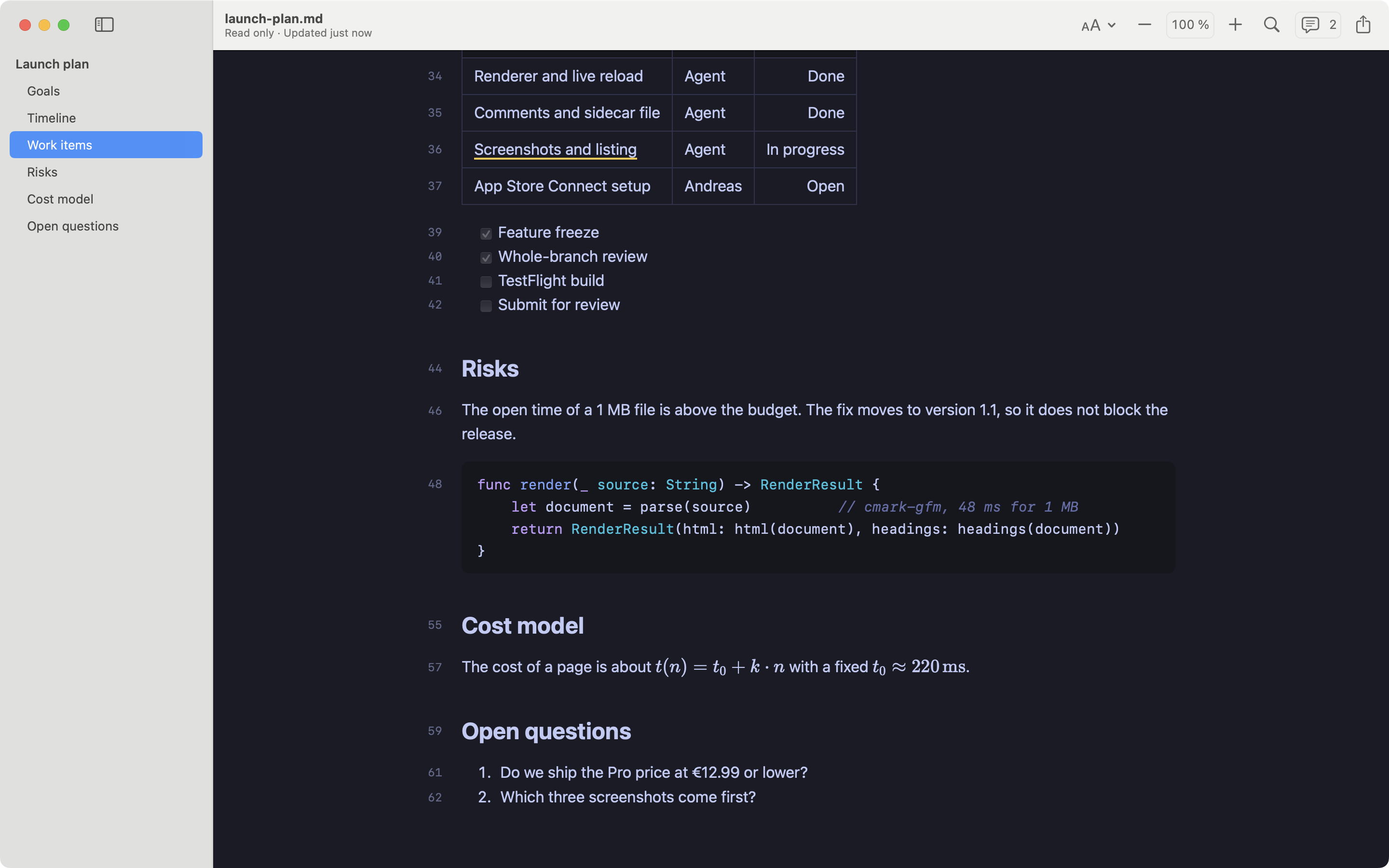
ProfileReadingA serif face and a narrow column for long documents.
ProfilePresentingLarge text and a wide column for a shared screen.
ProfileCode ReviewA dark theme, line numbers and the full window width.
What a profile stores
- Appearance: follow the system, light, or dark
- Theme: Default, GitHub, Serif, Sepia, Solarized Light, Dracula, Nord, Tokyo Night, Atom One Dark
- Text font, size and line height
- Column width
- Code font and size
- Front matter shown or hidden, outline shown or hidden, line numbers on or off
Everywhere the same
Quick Look, Print and Export use the active profile. A change applies to all open documents at once and keeps your place.
More in the blog: One viewer, three ways to read.
Read your Markdown in MarkkoFree on the Mac App Store. Quick Look, live reload and themes included.
Coming soon to the Mac App Store