The same file in both apps
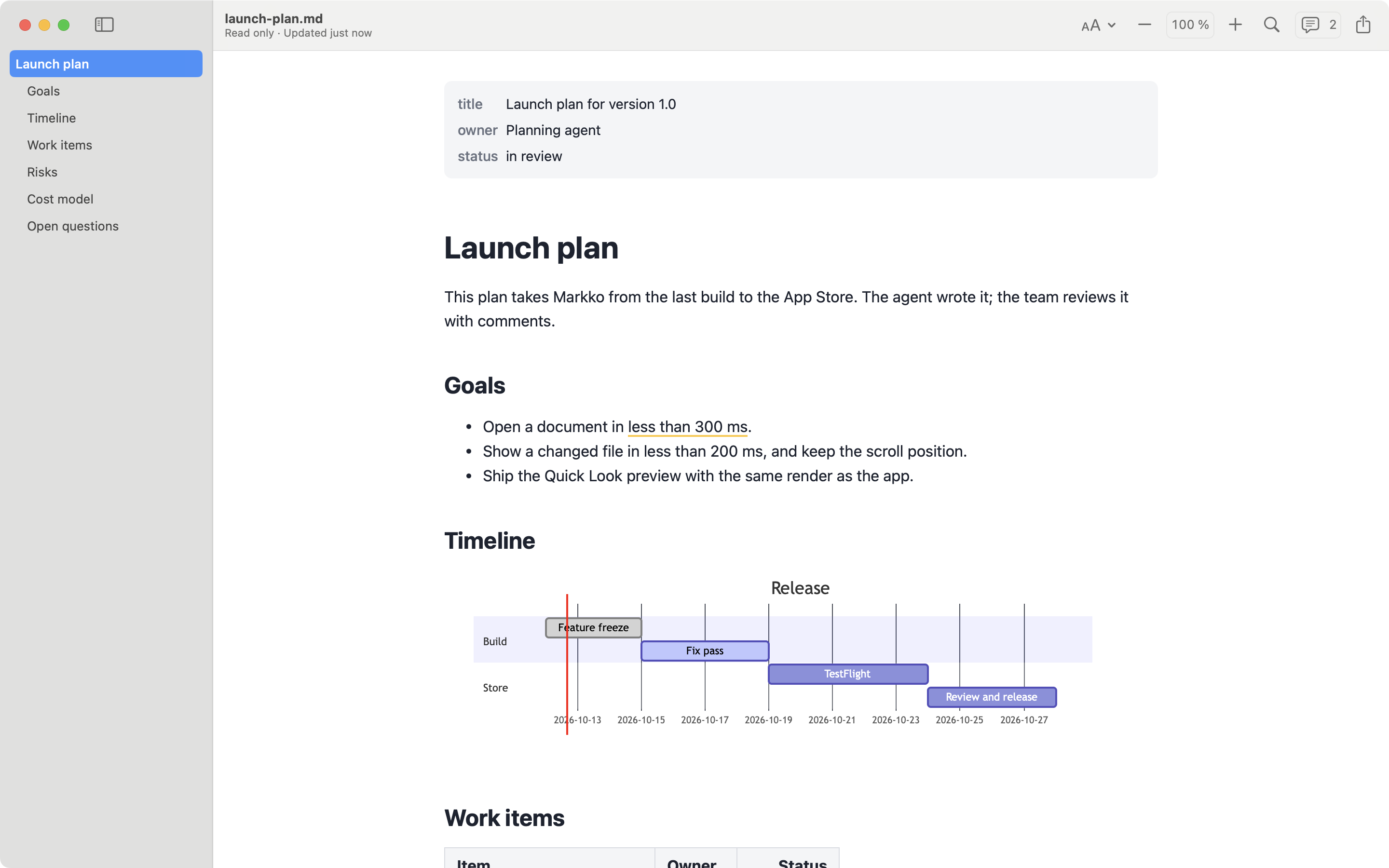
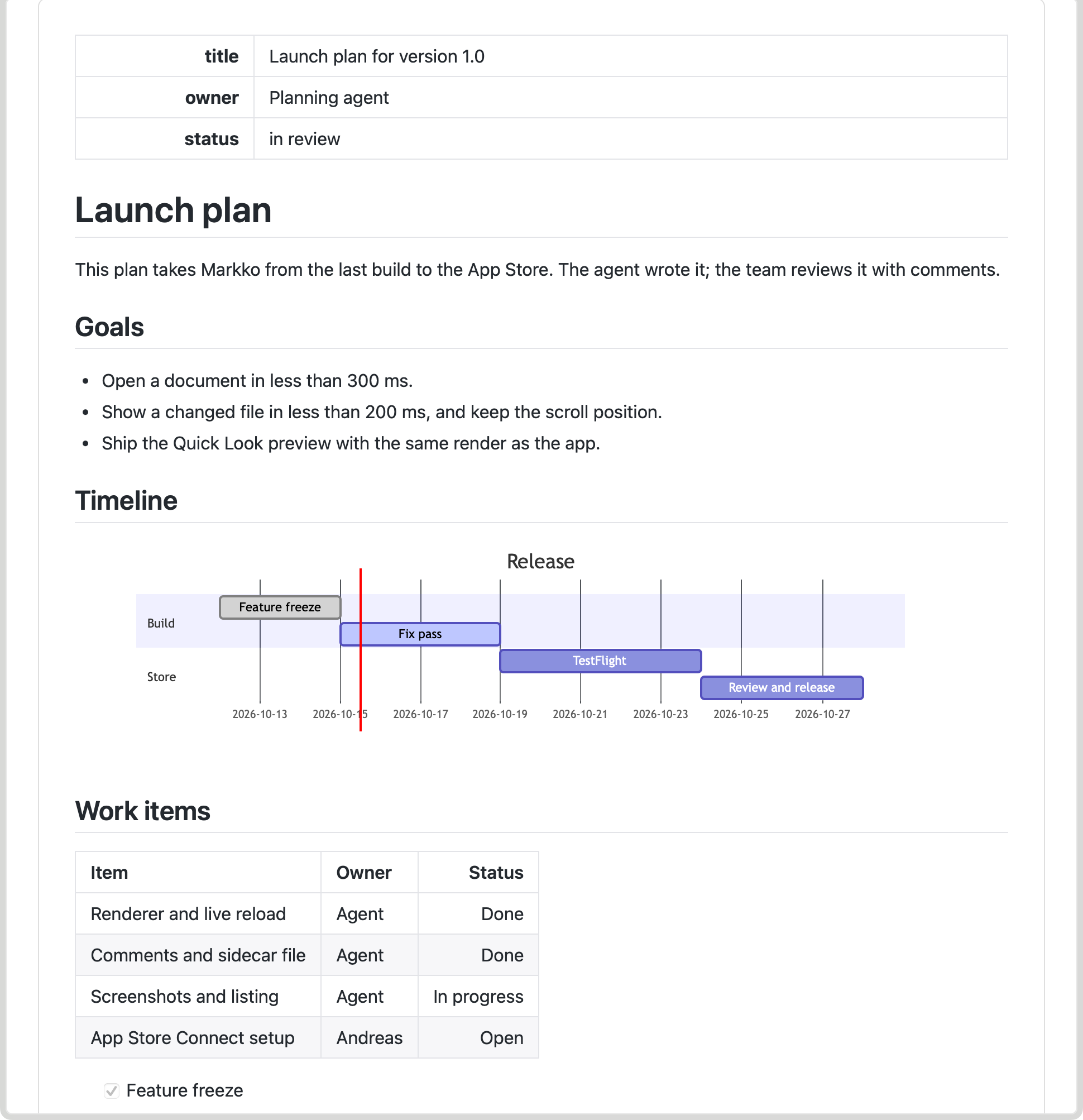
QLMarkdown is a free, open-source Quick Look extension by Sbarex. You select a Markdown file in Finder, press Space, and see it formatted. That is the whole job, and it has many options for it. Markko is a read-only Markdown viewer that also includes Quick Look. We make Markko, so read this page with that in mind. The facts about QLMarkdown come from its GitHub page, checked on 2026-10-10. We did not test the app.
At a glance
| Markko | QLMarkdown | |
|---|---|---|
| Price | Free; Markko Pro €12.99, one time | Free, open source (GPL-3.0) |
| Free version or trial | Free version, no time limit | The app is free |
| Where to buy | Mac App Store only | GitHub releases, or Homebrew (brew install --cask qlmarkdown) |
| Quick Look | Yes (free) | Yes, this is its purpose |
| Mermaid | Pro, also in Quick Look | Yes, in Quick Look |
| Math | Pro (KaTeX) | Yes (MathJax) |
| Export | Pro: PDF and HTML; print is free | HTML through a command-line tool and experimental Shortcuts actions |
| Comments | Pro, stored in <file>.md.meta |
No viewer window, so not applicable |
| Live reload | Yes (free) | Not applicable to a Quick Look preview |
| macOS minimum | macOS 14 | macOS 12 (stated in the release notes for 1.5.4) |
Where QLMarkdown is the better choice
- Everything is free. Mermaid and math in the Finder preview cost nothing. In Markko, both are part of Pro.
- Open source. The code is public under the GPL-3.0 licence. You can read it, build it and change it.
- More Markdown extensions. On top of GitHub Flavored Markdown, the README lists definition lists, wikilinks, highlight, subscript and superscript, admonitions, GitHub alerts, emoji and YAML headers.
- Your own CSS. You can use the built-in GitHub-style theme or your own stylesheet, with separate rules for light and dark.
- More file types. It also previews
.rmd,.qmdand.mdxfiles, with limits: R code is not run and JSX is not rendered. - No Mac App Store necessary. You download it from GitHub or install it with Homebrew. The README says the app is notarized and signed.
- Older Macs. It runs on macOS 12 or later. Markko needs macOS 14.
Where Markko is the better choice
- A window to read in. Quick Look is good for a short look. For a long document you want to open it. Markko gives you an outline, find, zoom, window tabs and line numbers. QLMarkdown states that it is not a standalone viewer.
- Live reload. Markko shows the new content when the file changes. This is useful when an editor or an AI tool writes the file while you read.
- Comments. Markko Pro stores your comments next to the file in
<file>.md.meta. - Export and print. Markko prints in the free version. Markko Pro exports to PDF and HTML from the menu.
- Mac App Store. You install Markko from the Mac App Store. It needs no account.
- Themes and profiles. Markko has 12 themes with light and dark, and appearance profiles.
The verdict
If Quick Look is all you want, QLMarkdown is a very good answer, and it is free. It has more Markdown extensions and more settings than Markko, and its code is open. Markko is the better choice when you also read Markdown files in full: with an outline, find, tabs and live reload, and with comments in Pro. The free version of Markko already includes Quick Look and the viewer. You pay only if you need Mermaid, math, comments or export.
FAQ
Is QLMarkdown free?
Yes. QLMarkdown is open source under the GPL-3.0 licence and is free to download from GitHub or with Homebrew. The author accepts donations. Markko is also free to download; Markko Pro is a one-time €12.99 in-app purchase.
Can I open and read a Markdown file in QLMarkdown?
No. Its README says the application is not intended to be used as a standalone Markdown editor or viewer. It works through Quick Look in Finder. Markko has both: Quick Look and a viewer window.
Do both show Mermaid diagrams and math in Quick Look?
QLMarkdown renders Mermaid diagrams and MathJax math in the Quick Look preview for free. In Markko, Mermaid and KaTeX math are part of Markko Pro, and Mermaid also works in Quick Look.