The same file in both apps
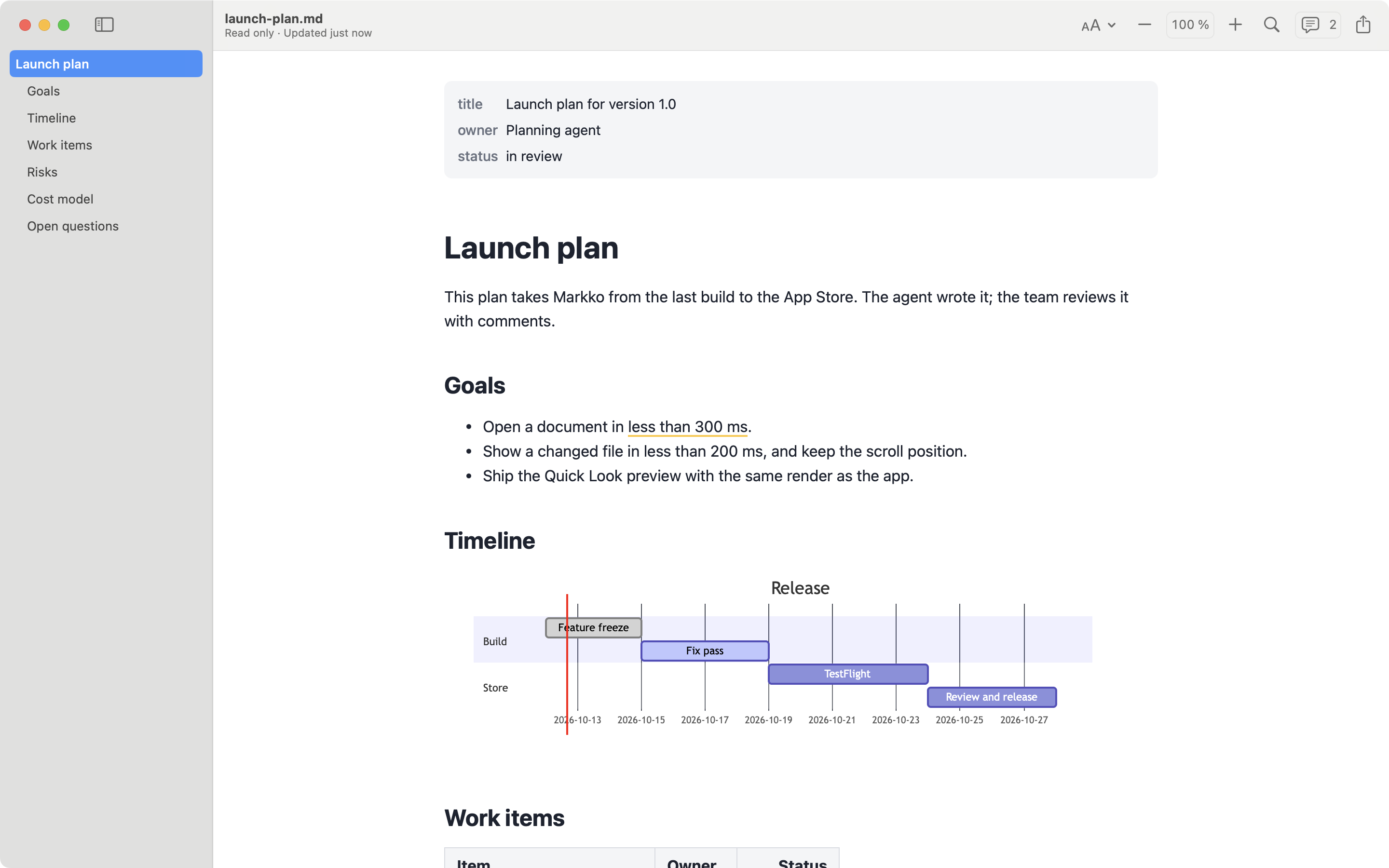
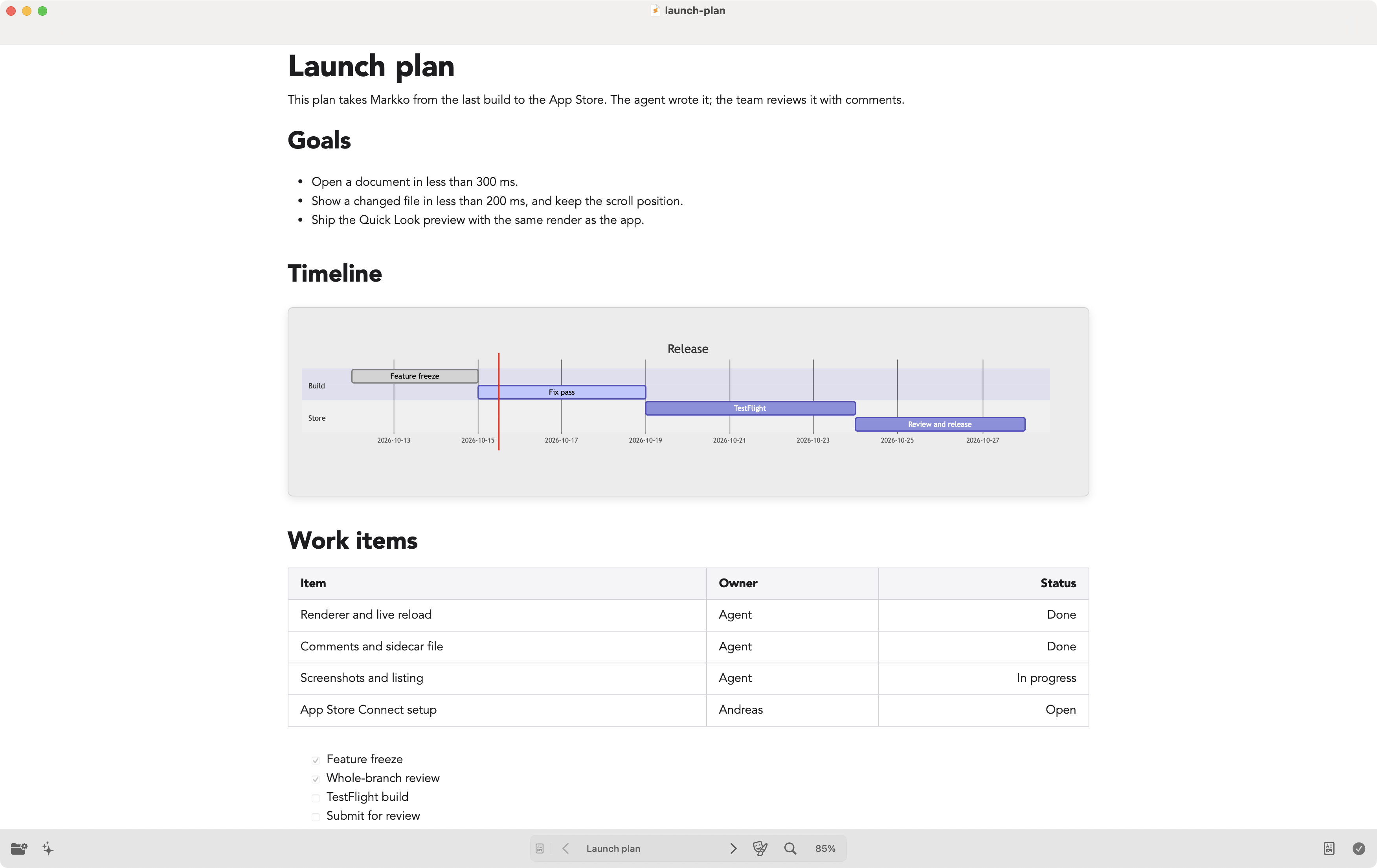
Telescopo Markdown Studio is a Markdown app for the Mac by Bad Command AI. The free app is a viewer; the paid Studio tier adds an editor, templates, PDF export and an on-device AI assistant. We make Markko, so read this page with that in mind. The facts come from the Mac App Store and Setapp pages of Telescopo, checked on 2026-10-15. For the screenshot, we opened the Setapp version 7.1.3 on a Mac and looked into its app bundle; we did not test it further.
At a glance
| Markko | Telescopo Markdown Studio | |
|---|---|---|
| Price | Free; Markko Pro €12.99, one time | Free download; Studio $49.99 one time, $4.99 a month or $29.99 a year |
| Free version or trial | Free version, no time limit | Free viewer; 7-day free trial of Studio |
| Where to buy | Mac App Store only | Mac App Store; also in Setapp |
| Quick Look | Yes (free) | No extension in version 7.1.3 |
| Mermaid | Pro, also in Quick Look | Yes, also ZenUML |
| Math | Pro (KaTeX) | Yes (LaTeX) |
| Export | Pro: PDF and HTML; print is free | PDF (Studio); Mermaid diagrams as SVG |
| Editing | No, read-only | Split-view editor (Studio) |
| Comments | Pro, stored in <file>.md.meta |
Not listed |
| Live reload | Yes (free) | Yes (“Live Monitoring”) |
| Data collection | None | Crash and diagnostic data, not linked to you (App Store label) |
| macOS minimum | macOS 14 | macOS 15 |
Prices are in the currency each vendor states. The App Store page does not list which diagram and math features are free and which need Studio.
Where Telescopo Markdown Studio is the better choice
- Write and read in one app. Studio has a split-view editor and more than 200 templates. Markko only reads.
- On-device AI. Telescopo can summarize a document and answer questions about it, on your Mac.
- Many diagram types. Version 7.1.3 adds ZenUML and Mermaid types such as Kanban, Sankey and treemaps.
- More themes. Its App Store page lists more than 30 themes, custom fonts and an adjustable width.
- More file types. Its listing names LaTeX, SVG, PDF and ePub next to Markdown.
- Setapp. If you already pay for Setapp, Telescopo is included.
Where Markko is the better choice
- Quick Look in Finder. Press Space on a Markdown file and Markko shows it formatted, also with diagrams in Pro. Telescopo has no Quick Look extension.
- macOS 14. Markko runs on macOS 14 or later. Telescopo needs macOS 15.
- Lower one-time price. Markko Pro is €12.99 one time. Telescopo Studio is $49.99 one time, or a subscription.
- Read-only. Markko cannot change your file, so a review never edits the document by mistake.
- Comments. Markko Pro stores comments next to the file in
<file>.md.meta. The Markdown file stays as it is. - HTML export. Markko Pro exports to PDF and HTML.
- No data collection. Markko has no analytics and no crash reporting. Telescopo’s App Store label lists crash and diagnostic data.
The verdict
Telescopo is a full Markdown workspace: if you write as much as you read, want templates or AI help, and run macOS 15, it is a strong choice. If you mostly read Markdown, want a quick preview in Finder, are on macOS 14, or want one low price with no subscription, Markko is the better choice.
FAQ
Does Telescopo have Quick Look in Finder?
Its App Store and Setapp pages do not list a Quick Look extension, and the Setapp version 7.1.3 that we installed has no extension in its app bundle. Markko includes Quick Look in its free version.
How much does Telescopo cost?
The download is free. Telescopo Markdown Studio is an in-app purchase: $49.99 one time, $4.99 a month or $29.99 a year (US App Store, checked 2026-10-15). It is also part of the Setapp subscription. Markko is free; Markko Pro is €12.99 one time.
Can I edit Markdown in Telescopo?
Yes. The paid Studio tier has a split-view editor, templates and PDF export. Markko is read-only on purpose: it never changes your file.